AIPLANNERWEB CLIPPERTASKS
DECEMBER UPDATES 2025
A Month of Smarter AI & Cleaner Workflows
December concentrated on enhancing xTiles by making input smarter and improving daily usability. We introduced innovative methods to convert AI conversations into organized visual boards, revamped how AI produces content throughout the app, enhanced task visibility, and added a new Schedule tile for a comprehensive daily overview.
AI Update — Smart Input
One AI Button, Multiple Outputs
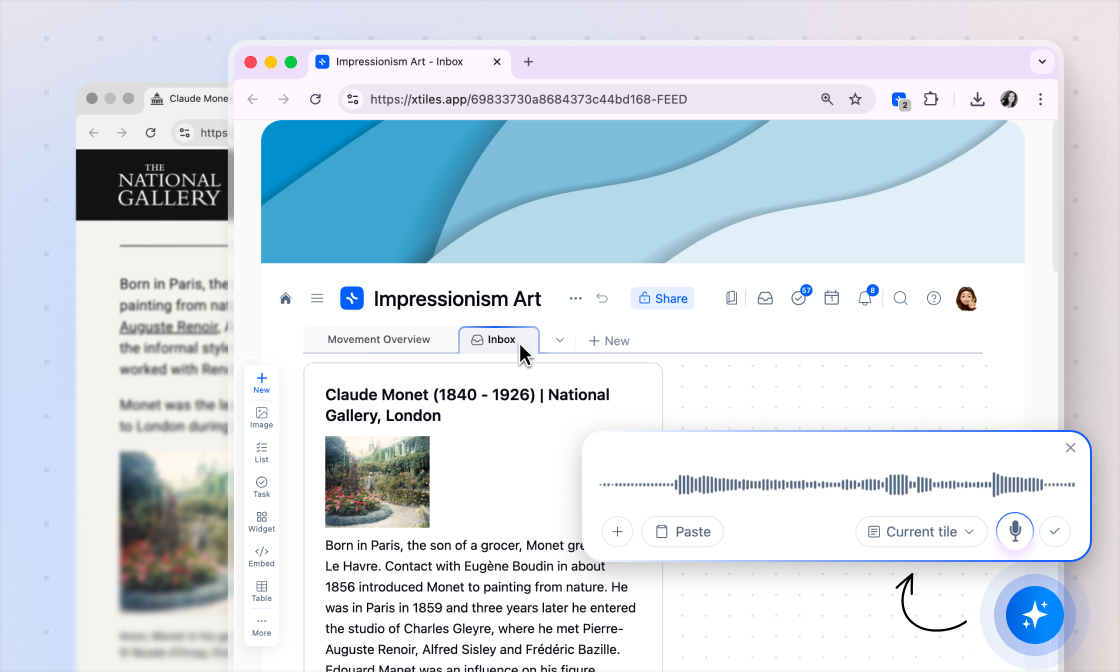
The new AI button lets you generate tiles, pages, or full projects instantly from your content.
Works with Any Input
Drop your content and type a prompt — supported inputs include: Custom text, AI-generated answers, Files (TXT, PDF), Images, Links.
Accessible Anywhere
You can use the new AI button on any creative page with a Canvas or directly from the Homepage.
AI Update — Smart Input
One AI Button, Multiple Outputs
The new AI button lets you generate tiles, pages, or full projects instantly from your content.
Works with Any Input
Drop your content and type a prompt — supported inputs include: Custom text, AI-generated answers, Files (TXT, PDF), Images, Links.
Accessible Anywhere
You can use the new AI button on any creative page with a Canvas or directly from the Homepage.
New Schedule Tile
Tasks + Calendar Events
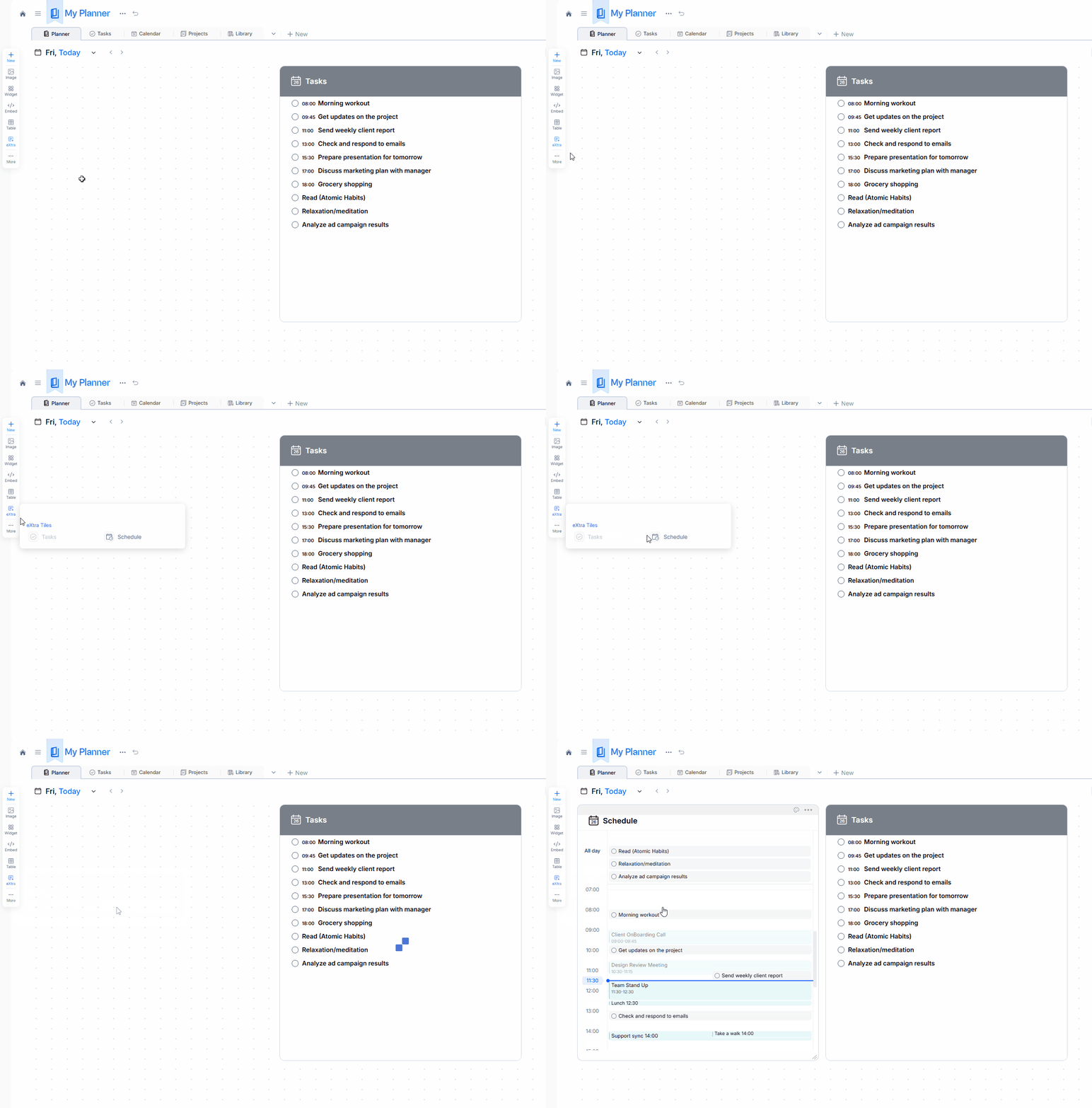
The Schedule Tile combines: xTiles Tasks, Google Calendar events, Outlook Calendar events. All merged into a single daily timeline.
Easy to Add
Add the Schedule Tile from the left toolbar in the daily view of My Planner.
New Schedule Tile
Tasks + Calendar Events
The Schedule Tile combines: xTiles Tasks, Google Calendar events, Outlook Calendar events. All merged into a single daily timeline.
Easy to Add
Add the Schedule Tile from the left toolbar in the daily view of My Planner.
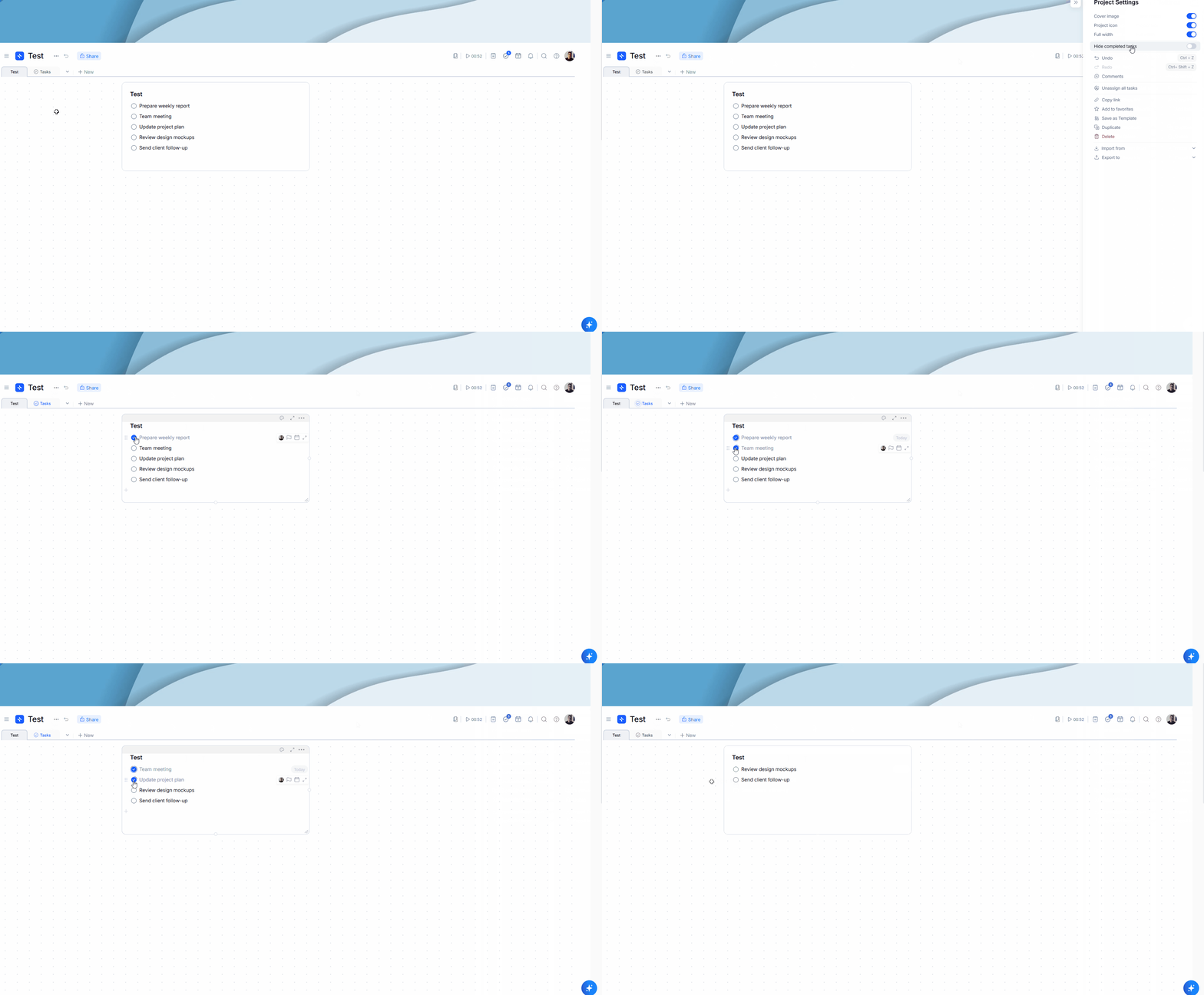
Autohide Completed Tasks
Hide Completed Tasks Automatically
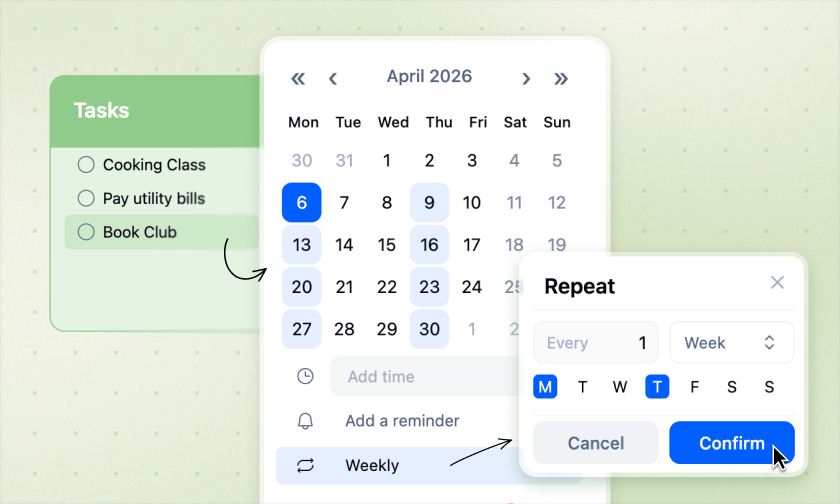
When enabled, completed tasks disappear from tiles on your canvas as soon as they're marked done.
Per-Project Control
You can turn this option on or off in each project's settings at any time.
Available Everywhere
Autohide works on web, desktop, and mobile.
Autohide Completed Tasks
Hide Completed Tasks Automatically
When enabled, completed tasks disappear from tiles on your canvas as soon as they're marked done.
Per-Project Control
You can turn this option on or off in each project's settings at any time.
Available Everywhere
Autohide works on web, desktop, and mobile.
Web Clipper Update — Turn AI Conversations into Visual Boards
Turn Conversations into Boards
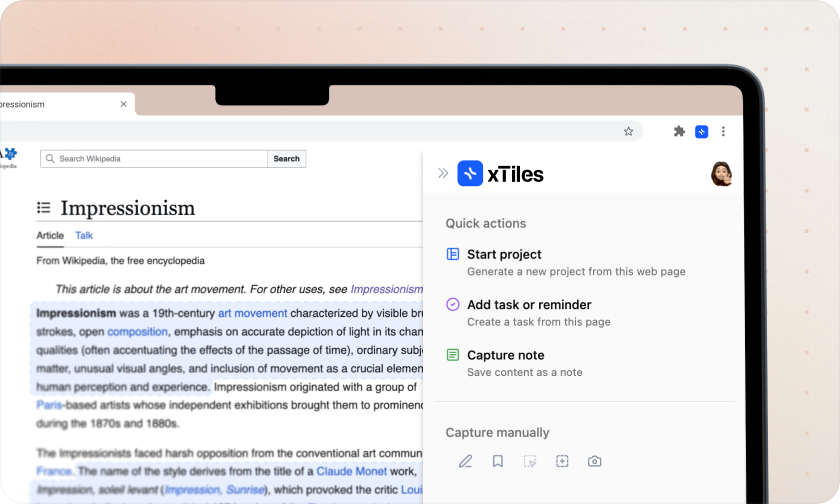
Open a ChatGPT conversation and click "Turn into Board" to instantly create a visual xTiles project from your dialogue.
Automatic Structure & Highlights
xTiles organizes the conversation, highlights key ideas, and makes the content much easier to digest visually.
Continue Editing in xTiles
Once the board is created, you can refine it further using your own files, instructions, or additional content.
Web Clipper Update — Turn AI Conversations into Visual Boards
Turn Conversations into Boards
Open a ChatGPT conversation and click "Turn into Board" to instantly create a visual xTiles project from your dialogue.
Automatic Structure & Highlights
xTiles organizes the conversation, highlights key ideas, and makes the content much easier to digest visually.
Continue Editing in xTiles
Once the board is created, you can refine it further using your own files, instructions, or additional content.
Small Fixes & Improvements
AI Improvements
- ✦Improved table rendering on public pages.
- ✦Separate pasted or dragged content into tiles from Dia / Comet browsers.
- ✦AI multi-tile generation in xTiles.ai projects.
- ✦Support for inserting HEIC images into AI input.
- ✦Added AI credits display in Account Settings / AI Input.
My Planner
- ✦Saving custom Planner templates is now available on the Free plan.
Notes
- ✦Better transparency for AI usage.
- ✦More reliable AI output formatting.
- ✦Smoother cross-browser workflows.
Every update, One Goal
Our goal is to make xTiles the starting point for your day and a home for your ideas. In December, we focused on making input smarter, workflows cleaner, and daily planning more seamless.
✦More coming in January.