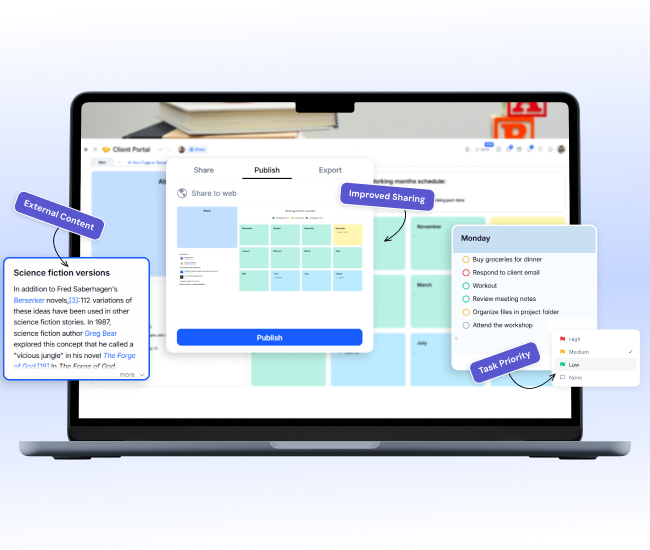
February Updates
One Focus: Removing Friction
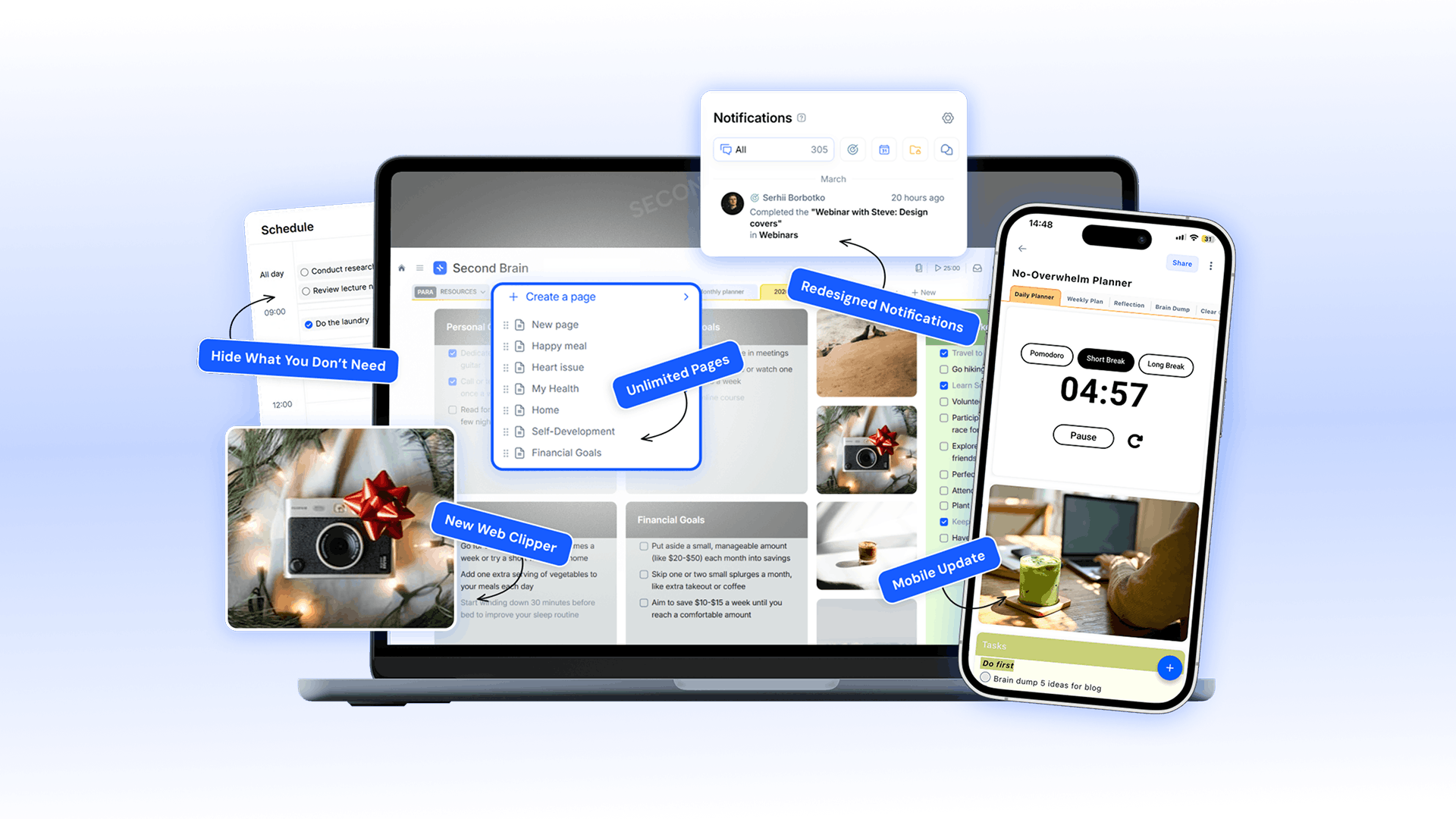
Capturing ideas from the web now takes just one click instead of five. Everyone can freely create unlimited pages within projects—no restrictions. The mobile app evolves into a comprehensive workspace that will soon match the desktop experience. We've also resolved numerous minor issues across the platform. With this update, xTiles is more intuitive and seamless than ever.
Video Walkthrough
Web Clipper — Rebuilt from Scratch
Highlight and clip only the content you need
Edit your clips
Convert clips into actionable items
Each clip can become:
- Task — when something needs to be done
- Note — when something needs to be remembered
- Project — collect references, competitor information, and research materials
Coming next:
- AI features inside the Clipper
- More improvements based on feedback
Web Clipper — Rebuilt from Scratch
Highlight and clip only the content you need
Edit your clips
Convert clips into actionable items
Each clip can become:
- Task — when something needs to be done
- Note — when something needs to be remembered
- Project — collect references, competitor information, and research materials
Coming next:
- AI features inside the Clipper
- More improvements based on feedback
Unlimited Pages — Starting Now
All users can now create unlimited pages. Explore all features, build projects, and establish your workflow before considering an upgrade.
There are no artificial limits or unexpected restrictions.
Unlimited Pages — Starting Now
All users can now create unlimited pages. Explore all features, build projects, and establish your workflow before considering an upgrade.
There are no artificial limits or unexpected restrictions.
Redesigned Notification Center
We redesigned the Notification Center in response to your feedback on locating specific updates.
Now organized into 5 clear categories:
- 1.All — Everything in one unified view
- 2.Tasks — Task assignments, status changes, and updates
- 3.Events — Calendar and schedule notifications
- 4.Access — Project access requests from collaborators
- 5.Collaboration — Comments and mentions on your work
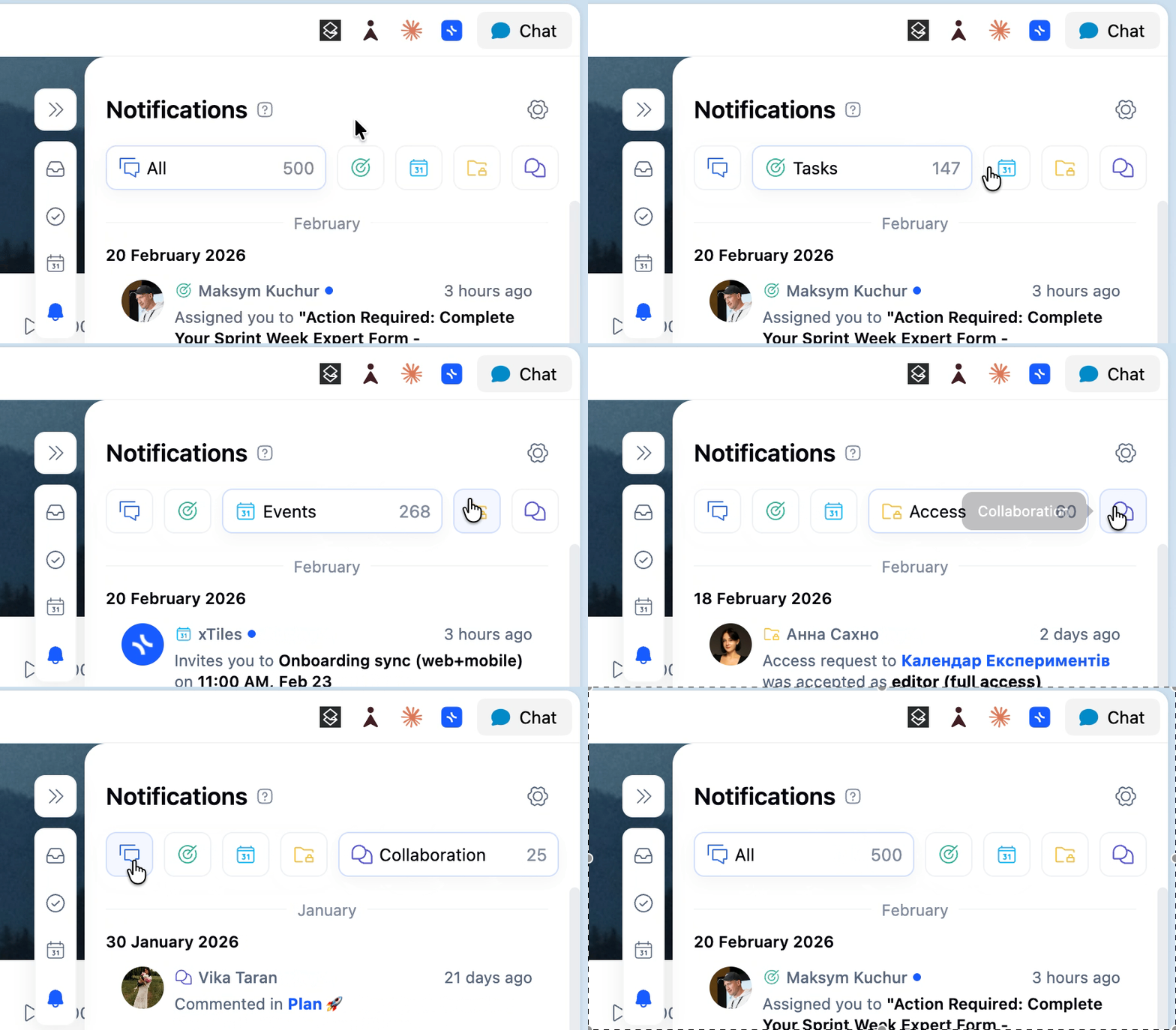
Redesigned Notification Center
We redesigned the Notification Center in response to your feedback on locating specific updates.
Now organized into 5 clear categories:
- 1.All — Everything in one unified view
- 2.Tasks — Task assignments, status changes, and updates
- 3.Events — Calendar and schedule notifications
- 4.Access — Project access requests from collaborators
- 5.Collaboration — Comments and mentions on your work
Mobile: The Biggest Update Yet
We redesigned the mobile experience to better align with how users interact with their phones. Key changes include:
Default Experience & Navigation
- Feed View is now the default, making content immediately accessible. Canvas View remains available on tablets.
- My Planner now opens to the current period, eliminating the need to scroll to today's date.
- xTiles now automatically detects and applies your preferred language.
Calendar & Task Editing Improvements
- You can now edit calendar event titles and set start dates directly on mobile.
- A checkbox in the task editor allows you to mark tasks as complete without leaving the screen.
- Completing a task now automatically records the current date.
Account Management
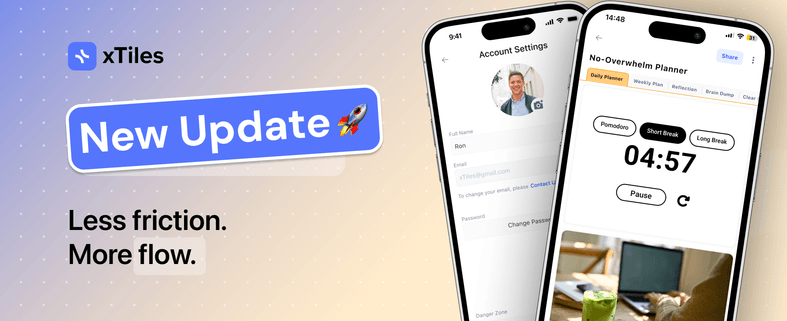
- Password changes can now be made within the app, removing the need to switch to the desktop for account settings.
Mobile: The Biggest Update Yet
We redesigned the mobile experience to better align with how users interact with their phones. Key changes include:
Default Experience & Navigation
- Feed View is now the default, making content immediately accessible. Canvas View remains available on tablets.
- My Planner now opens to the current period, eliminating the need to scroll to today's date.
- xTiles now automatically detects and applies your preferred language.
Calendar & Task Editing Improvements
- You can now edit calendar event titles and set start dates directly on mobile.
- A checkbox in the task editor allows you to mark tasks as complete without leaving the screen.
- Completing a task now automatically records the current date.
Account Management
- Password changes can now be made within the app, removing the need to switch to the desktop for account settings.
Schedule tile: Hide What You Don't Need
The Schedule tile now lets you hide tasks and completed items, ensuring your daily view shows only what requires your attention.
This reduces distractions and improves focus.
Schedule tile: Hide What You Don't Need
The Schedule tile now lets you hide tasks and completed items, ensuring your daily view shows only what requires your attention.
This reduces distractions and improves focus.
Every update, One Goal
Our goal is to make xTiles the starting point for your day and a home for your ideas. In February, we focused on streamlining every step, from capturing ideas online to managing tasks on your phone.
More coming in March.